A Camera, a Voice, and 1,000 Testers: Google's Guided Vision Turns Gemini Live Into a Guide for Blind Users
Google launches Guided Vision in Gemini Live: real-time conversational visual assistance for blind and low-vision users, trained on tens of thousands of hours with Aira and stress-tested by 1,000+ trusted testers on Android 9 and above.
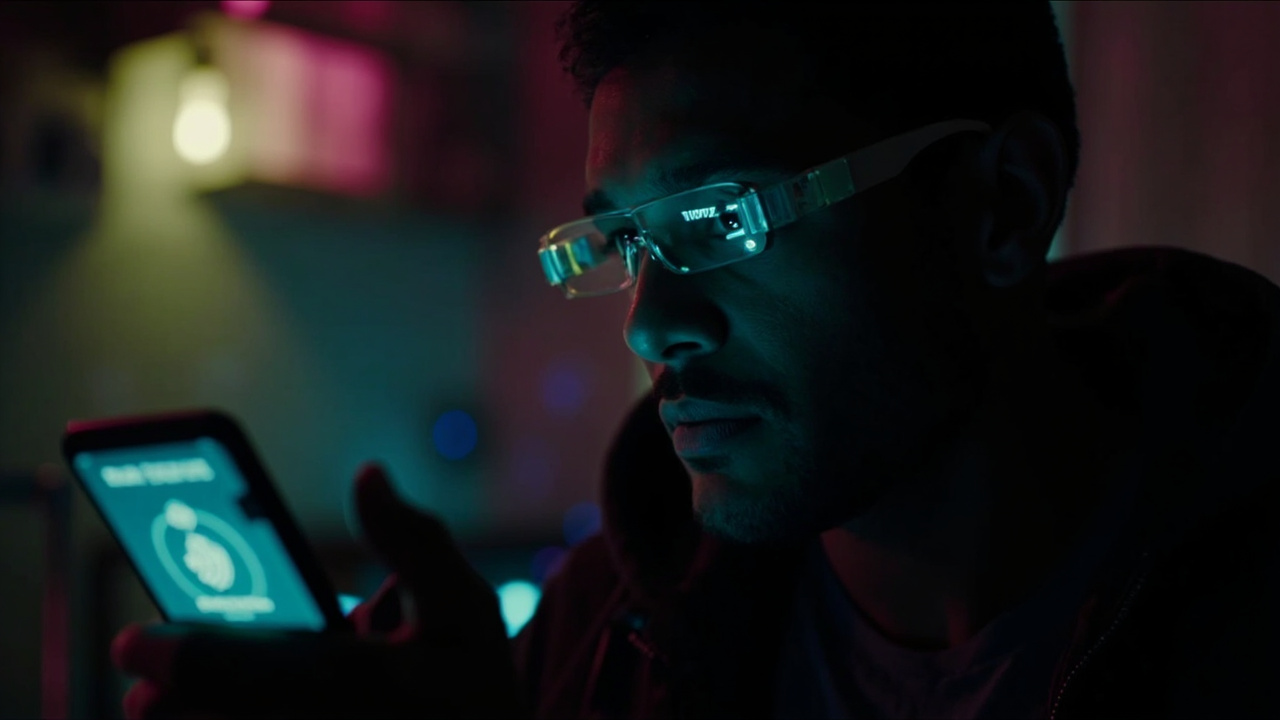
On October 1, 2026, Google began rolling out Guided Vision in Gemini Live across compatible Android devices — a real-time, voice-forward visual interpretation feature built for people who are blind, have low vision, or simply want intuitive visual assistance. Where most AI product launches this season have targeted developers and enterprises, this one is aimed squarely at an everyday human problem: navigating a sighted world when you cannot reliably see the screen — or the room — in front of you.
The launch is quiet by frontier-model standards, but it may be one of the more consequential AI deployments of the season. Guided Vision effectively turns a standard Android phone into a conversational visual partner, and it is shipping now — not as a preview, not behind a waitlist, but as a live feature on Android 9 and above in every region where Gemini Live is supported.
What Guided Vision Actually Does
The mechanics are simple on the surface. During a Gemini Live session, the user shares their phone’s camera. Gemini then supplies spoken descriptions of the surroundings, answers detailed follow-up questions, and — the distinguishing detail — delivers proactive, spoken cues to help the user center whatever they want to explore. If the camera is pointed too high, too close, or slightly off to the side, Gemini responds with natural verbal prompts to reframe: pan slowly to the right, tilt downward, step back. The model is not just describing a scene; it is closing the feedback loop with the person holding the camera, in real time.
That closes an awkward gap in earlier camera-based AI description tools, which typically answered whatever question was asked about whatever happened to be in frame — leaving the user to guess whether the frame was even useful. Guided Vision treats framing itself as a dialogue.
Google’s announcement, written by Isha Sheth, Senior Product Manager for Gemini Live, organizes the feature around everyday tasks where quick visual verification matters most:
- Reading fine print and complex text — small nutrition labels on food packages, appliance dials and washing machine cycles, printed menus in dimly lit restaurants.
- Finding and localizing objects — a dropped earbud on the floor, the black pepper inside a crowded spice cabinet.
- Describing objects and matching details — checking whether a striped shirt pairs with a pair of trousers, identifying the color of a specific jacket.
- Exploring the immediate environment — descriptive overviews of unfamiliar spaces, room layouts, or objects spread across a table.
- Conversing naturally in your preferred language — the feature supports conversations across multiple languages.
None of these are glamorous. All of them are the micro-tasks that decide whether a person can live independently — and they are exactly where a general-purpose multimodal model, tuned for conversation and real-time response, beats a purpose-built single-task app.
Built With Aira, Not Just For the Community
The most interesting part of the story is how the model was trained and validated. Google partnered with Aira, the visual interpretation service best known for connecting blind users to live human agents, to “visually interpret data for a total of tens of thousands of hours.” More than 1,000 members of Aira’s Trusted Tester network then stress-tested and refined the model across their daily routines, while Aira specialists worked directly with Google’s teams as subject-matter experts to establish and evaluate safety guardrails.
This is the professionalization of accessibility AI development: real training data from a service with years of expertise in what blind users actually need to know, and a tester network large enough to expose the model to the messy variety of real kitchens, restaurants, transit hubs, and closets. Google also says the feature reflects extensive testing and feedback from blind and low-vision communities across India, Brazil, Singapore, Indonesia, Japan, and more — with the explicit goal of making descriptions, reframing cues, and answers feel natural rather than literal.
The announcement quotes two testers by way of validation. Sally Khoo, Deputy Director (Innovation) at SG Enable, noted that “standard phones are typically built for sighted users who can see the screen,” and that real-time visual descriptions with proactive verbal camera guidance “can help bridge a critical gap in everyday tasks at home, from reading fine print to locating daily essentials.” Prashant Verma of the National Association of the Blind, India, emphasized that “testing these capabilities directly with blind and low-vision users across Indian languages ensures this technology delivers dependable, practical assistance in everyday life.”
Three Ways In, and Deliberate Limits
Access is deliberately low-friction, with three entry paths. From the Gemini app, users open profile settings and switch on “Use Guided Vision in Live,” then share the camera inside Gemini Live. Under Android Settings > Accessibility > Vision assistance > Guided Vision, users can configure an Accessibility shortcut — the floating accessibility button, a two-finger swipe, or pressing both volume keys. And TalkBack users can bring up the TalkBack menu with a three-finger tap and select Guided Vision directly.
Google is equally explicit about what the feature is not. Guided Vision is an assistive utility that can make mistakes; it is not a medical device, not a mobility aid, not a white-cane replacement, and not intended for navigation, safe-travel guidance, or obstacle detection. Users are told to keep relying on established mobility aids and safe-travel practices. That disclaimer does a lot of quiet work: it draws the line between information assistance (which the model is good at) and physical safety (which it must never be trusted with alone), and it protects Google from the liability of a user stepping into traffic because a chatbot said the way was clear.
The Bigger Picture: Mainstream Models Absorb Assistive Tech
The launch also marks a strategic shift worth watching. Dedicated visual-assistance apps and human-interpreter services like Aira’s own have existed for years, often at subscription prices that add up. Guided Vision ships inside the standard Gemini app on any Android 9+ device, at no additional listed cost, in every market where Gemini Live is available. When a frontier-grade multimodal model becomes a platform feature, single-purpose assistive apps face the same commoditization pressure that hit so many other categories — and the residual role for human services like Aira shifts toward training, evaluation, and edge cases.
There is a second-order effect Google itself points out: accessibility features historically overflow into general utility. Guided Vision is explicitly positioned as useful for older adults, individuals with low literacy, or anyone trying to read fine print in low lighting. The curb-cut effect — features built for disability that end up helping everyone — is one of the most reliable patterns in technology, and a conversational camera guide is a near-textbook example.
Finally, the launch signals where Google sees Gemini Live’s differentiation: ambient, voice-first, camera-augmented assistance rather than chatbot benchmark supremacy. The same week the company’s frontier Gemini 4 Argon model made headlines for a cyber-defender-gated rollout, Guided Vision quietly put a production multimodal assistant into the pockets of the people for whom it matters most.
Guided Vision is available now on Android devices running Android 9 and above, wherever Gemini Live is supported — update the Gemini app and Android system software to get started.
Sources
- [1] https://blog.google/innovation-and-ai/products/gemini-app/guided-vision-gemini-live/
- [2] https://www.unite.ai/google-brings-real-time-visual-assistance-to-blind-users-on-android/
- [3] https://support.google.com/accessibility/android/answer/18365638?hl=en
- [4] https://aiweekly.co/alerts/google-launches-guided-vision-in-gemini-live-built-with-aira